

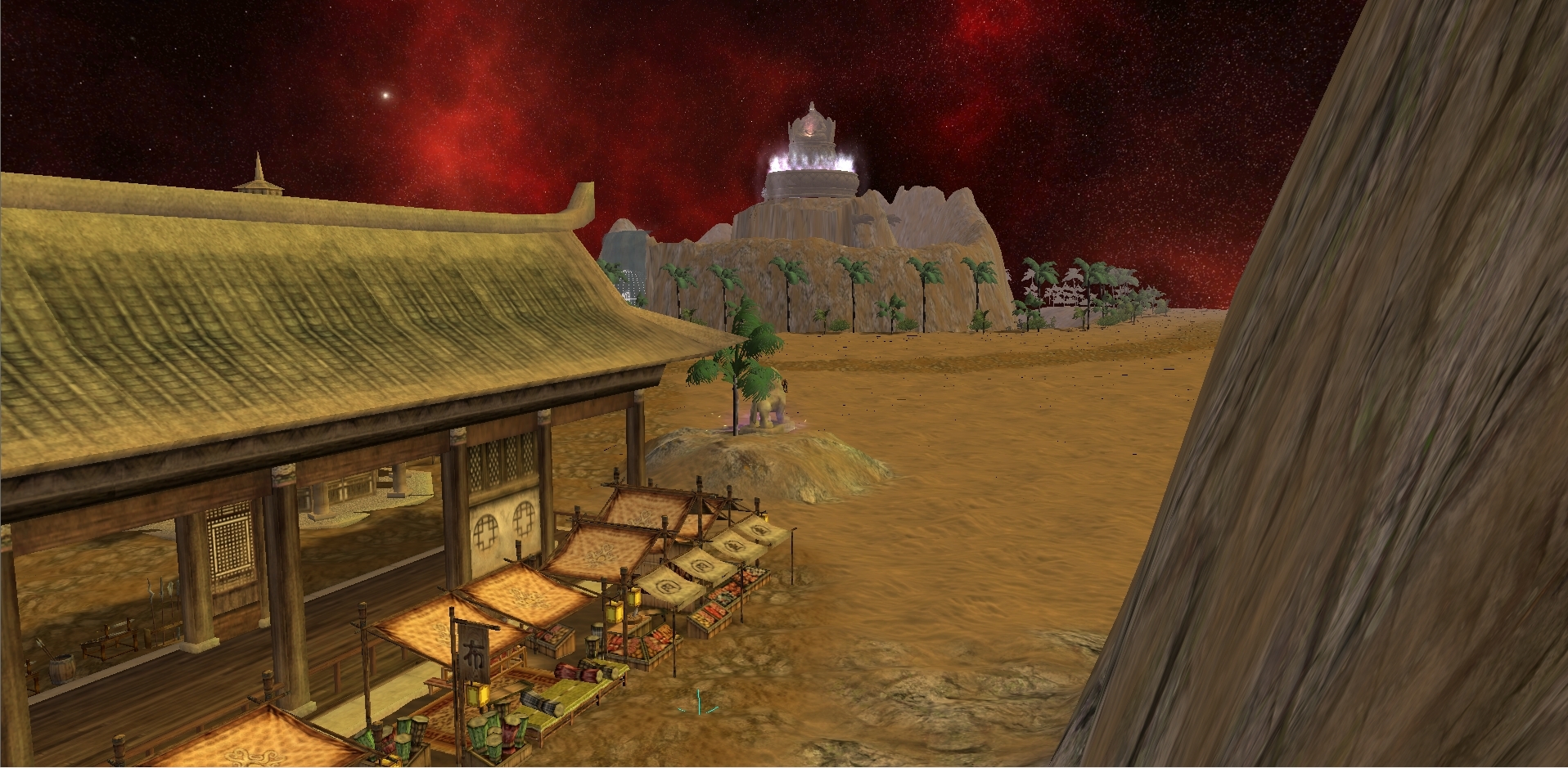
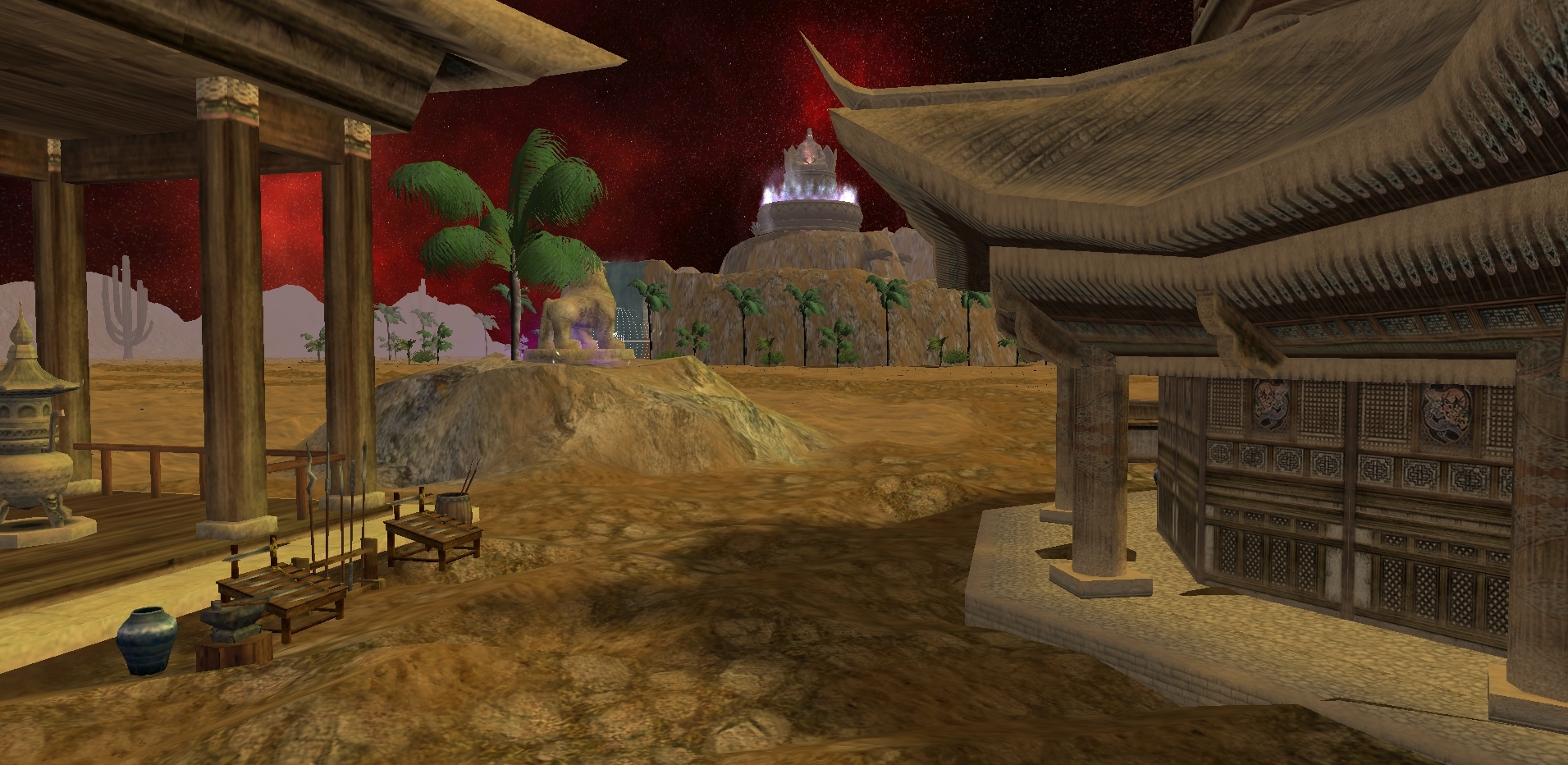
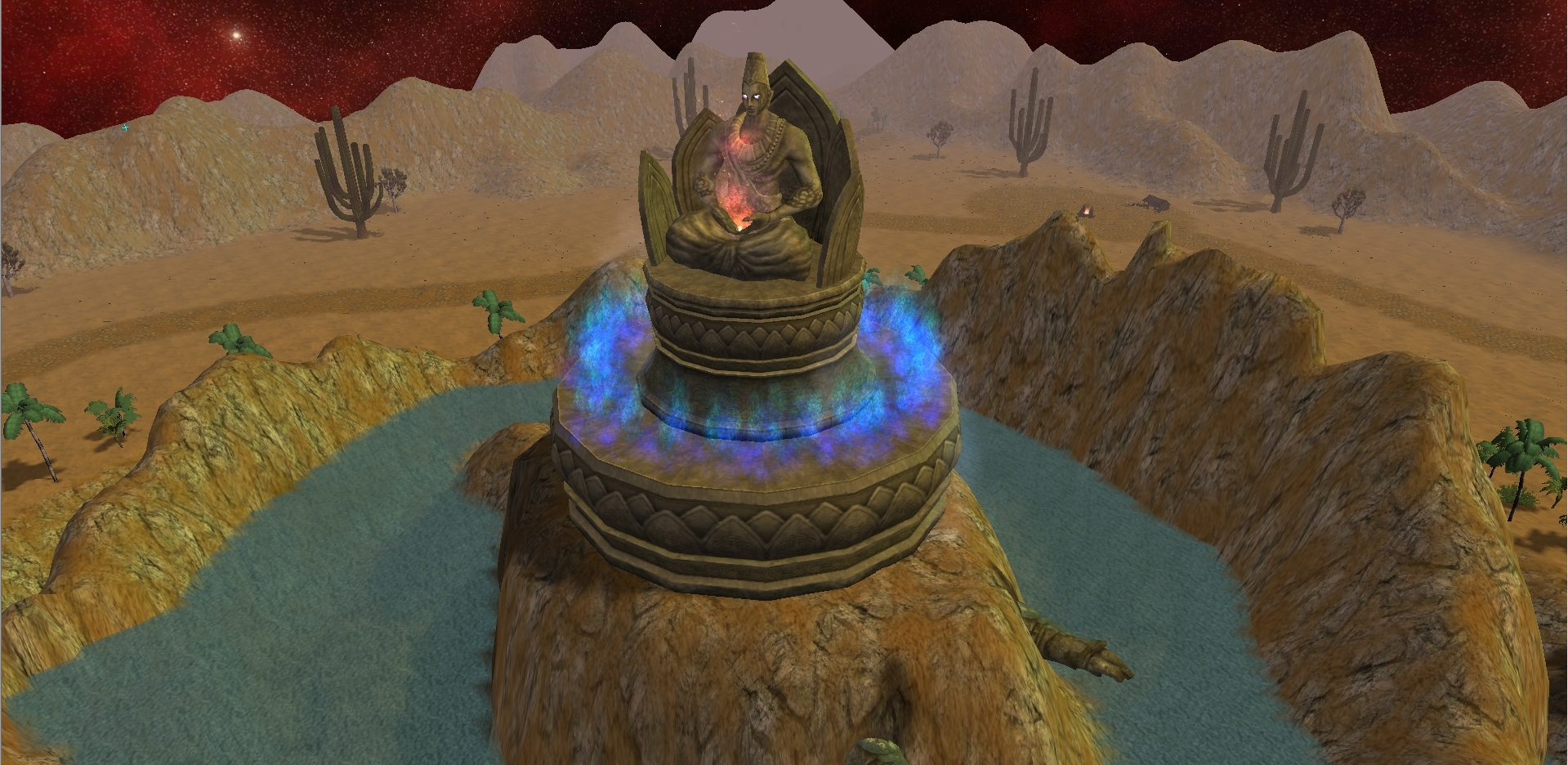
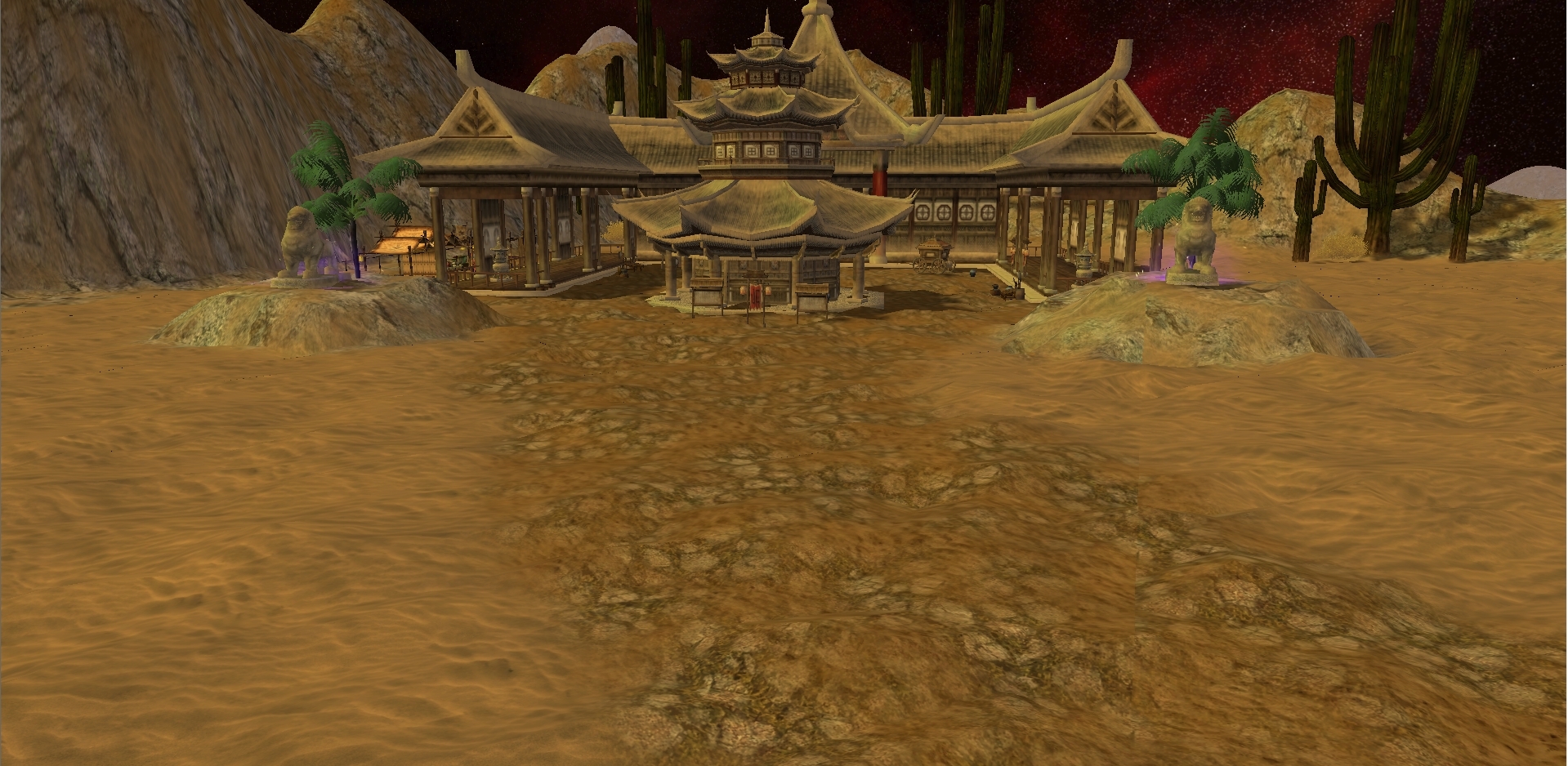
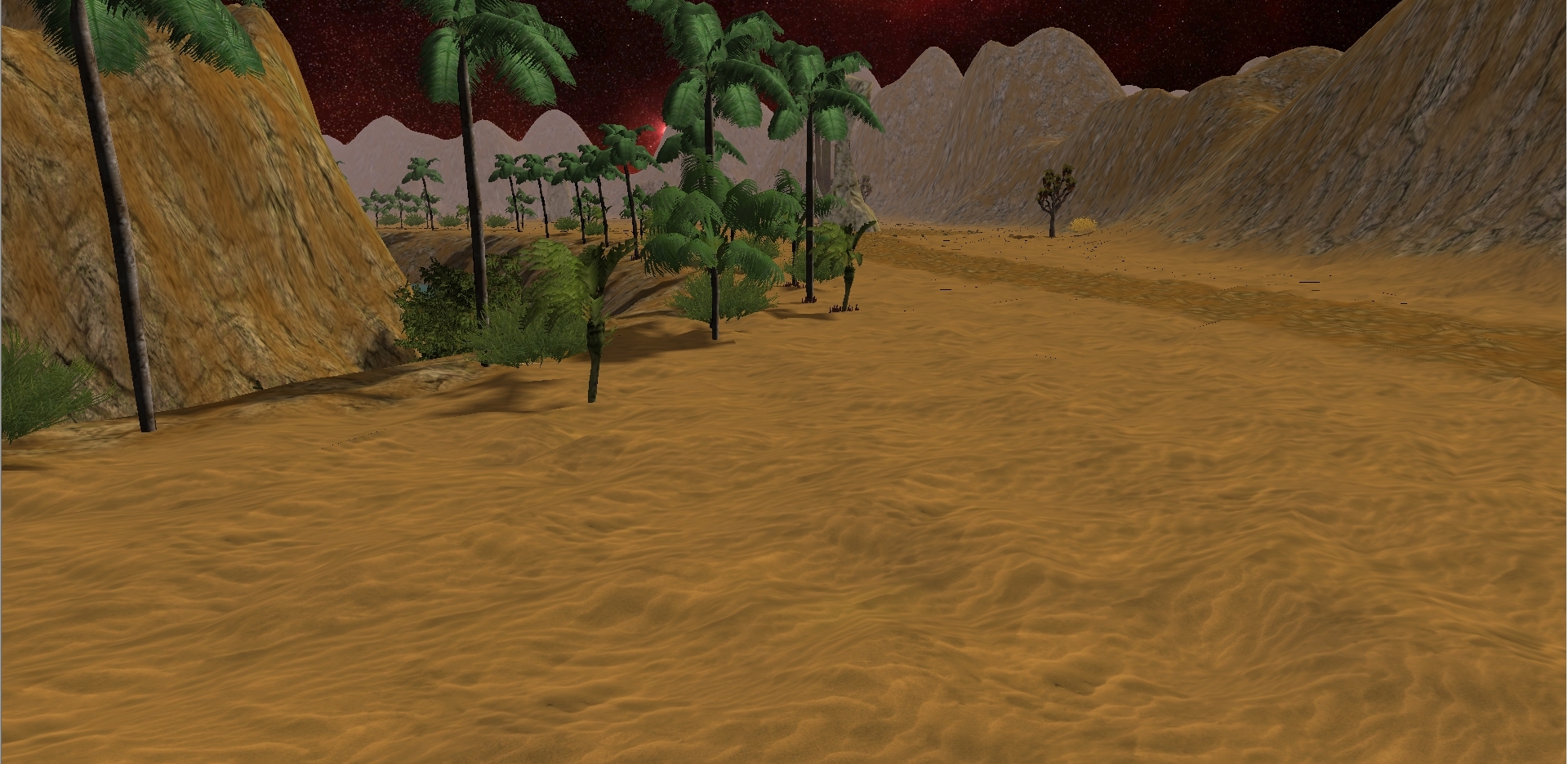
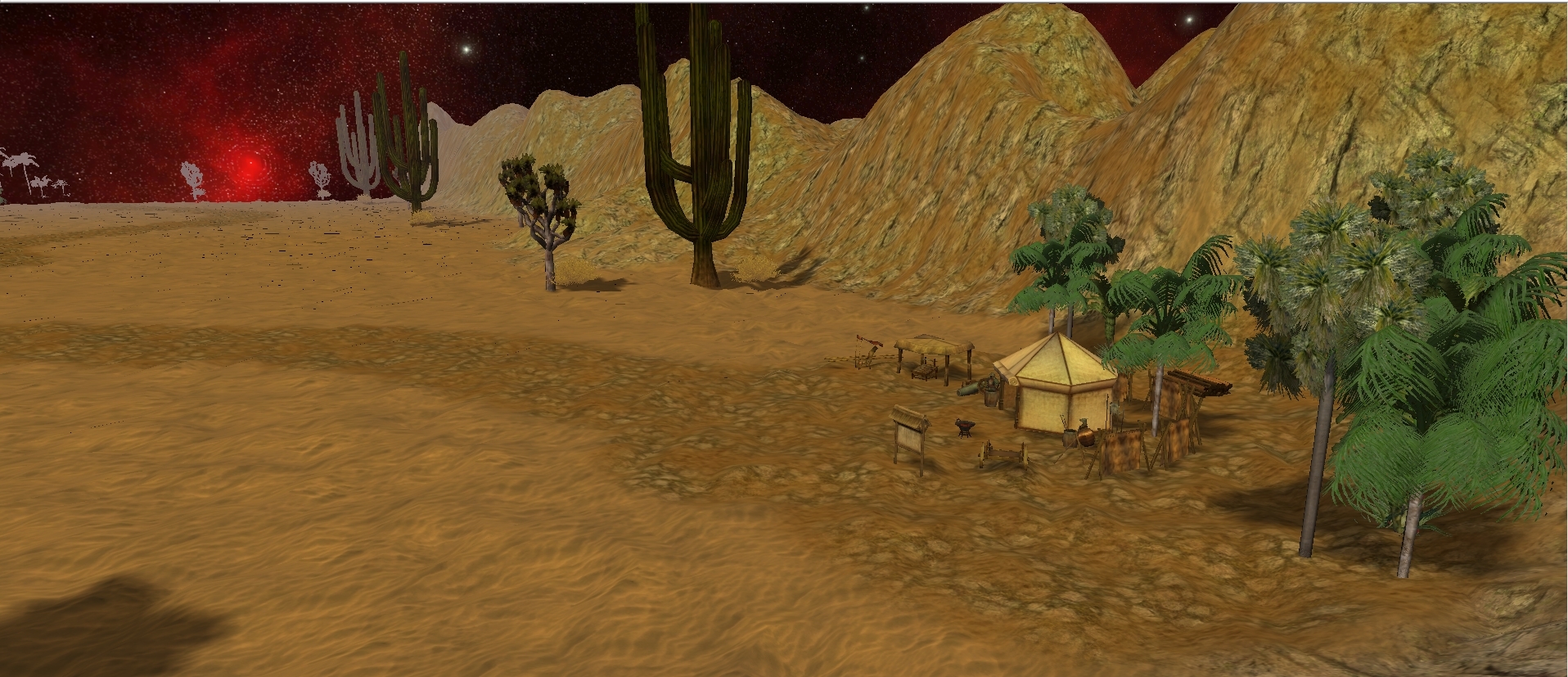
Map Önizleme:
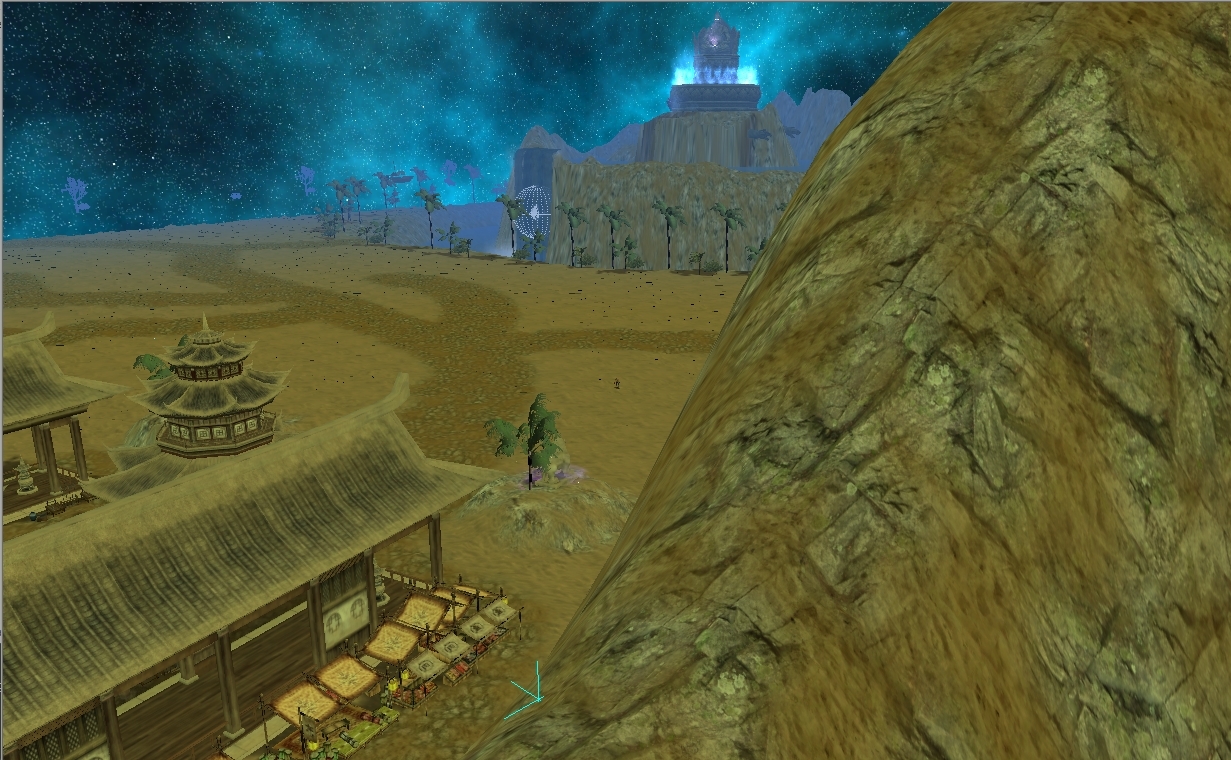
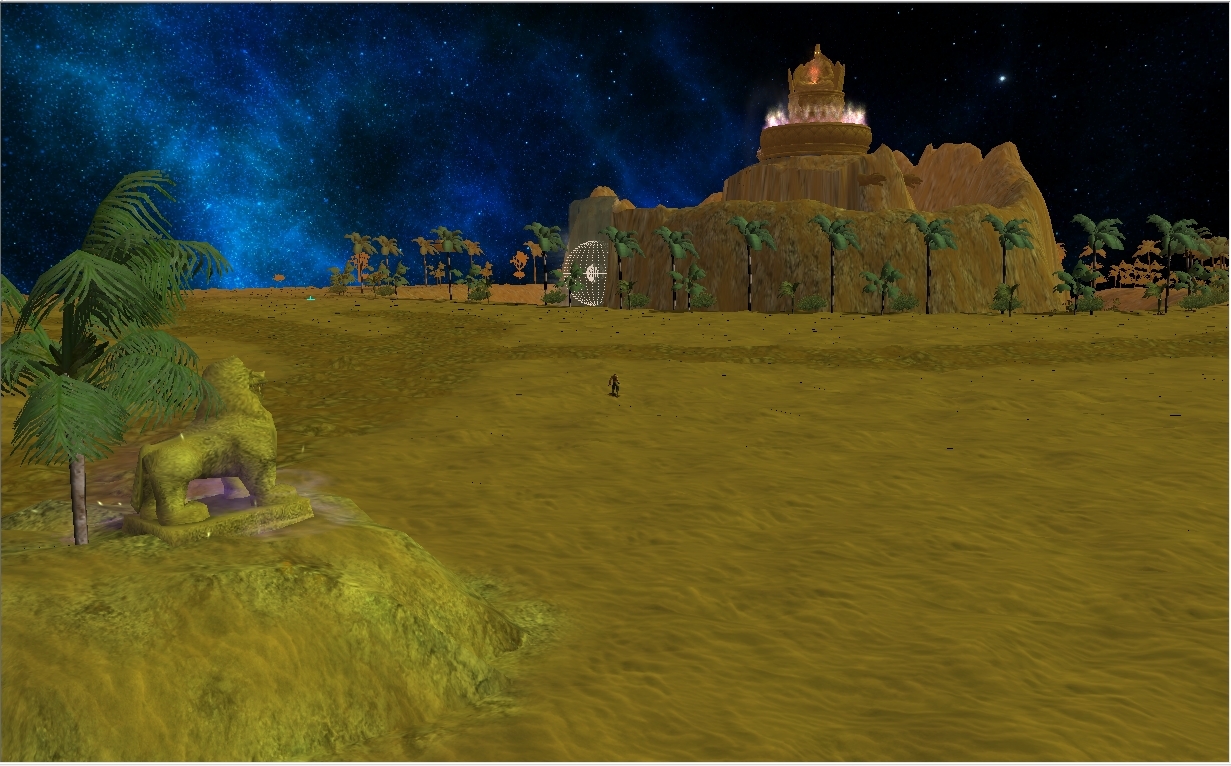
Ayarlanabilir Aydınlık:
Ziyaretçiler için gizlenmiş link,görmek için üye olmalısınız!
Giriş yap veya üye ol.
Ziyaretçiler için gizlenmiş link,görmek için üye olmalısınız!
Giriş yap veya üye ol.
Ziyaretçiler için gizlenmiş link,görmek için üye olmalısınız!
Giriş yap veya üye ol.
Yeni Muhteşem Çöl Haritası: Metin2 3D Modelleme ve Görsel Geliştirme Perspektifinden
Metin2 oyununda harita tasarımı, oyuncuların deneyimlediği görsel atmosferin en kritik bileşenlerinden biridir. Özellikle 3D modelleme konusunda uzmanlaşmış geliştiriciler için çöl haritası tasarımı, hem estetik hem de teknik açıdan zorlu bir süreçtir. Bu yazıda, yeni muhteşem çöl haritası kavramı üzerinden Metin2 3D modelleme, harita modelleme, terrain düzenlemeleri, texture kullanımı ve model replace gibi konulara değineceğiz.
Metin2 3D Modelleme ve Çöl Haritası Tasarımı
Çöl ortamı, doğal olarak sert hatlar, kum dalgaları ve sıcak renk paleti ile karakterize edilir. Bu nedenle, bir Metin2 çöl haritası tasarlanırken dikkat edilmesi gereken en önemli unsurlardan biri, sahnenin UV mapping sürecidir. Doğru texture ve skin atamaları sayesinde, kum dokusu gerçekçi bir şekilde aktarılabilir. Ayrıca terrain üzerindeki yükselti farkları, çalılar, kayalar ve eski tapınak yapıları gibi objelerin 3D modelleri (building model, map object) detaylı şekilde import edilmelidir.
Blender ve 3DS Max ile Metin2 Formatında Çöl Haritası Oluşturmak
Blender ve 3DS Max gibi yazılımlar, Metin2 3D modelleme sürecinde yaygın olarak tercih edilir. Bu yazılımlarda hazırlanan çöl haritası modelleri, GR2 veya Granny3D formatında dışa aktarılır. GR2 export ve GR2 import işlemleri sırasında, bone yapısı ve mesh doğruluğu önemlidir. Hatalı rigging veya animation işlemleri, haritanın oyun içinde doğru görüntülenmemesine neden olabilir. Bu nedenle, çöl haritasında hareket edebilecek NPC veya canavarlar (monster model, NPC model) için özel dikkat gerekir.
Görsel Modifikasyonlar ve Çöl Atmosferi
Haritaya özgü görsel modifikasyonlar (visual mod), çöl atmosferini daha da güçlendirir. Renk filtreleri, sis efektleri ve ışık yansımaları gibi detaylar, oyun içindeki deneyimi artırır. Bu bağlamda effect model kullanımı oldukça etkilidir. Ayrıca Martysama gibi gelişmiş araçlar yardımıyla custom model entegrasyonu sağlanabilir. Metin2 texture ve skin değişiklikleri, haritanın görsel zenginliğini artırırken, pack model sistemleri ile kolayca sunucuya entegre edilebilir.
Çöl Haritası İçin Teknik Öneriler
Bir Metin2 çöl haritası oluşturulurken aşağıdaki teknik detaylara dikkat etmek önemlidir:
- Terrain yükseklik değerleri dengeli olmalı
- UV mapping doğru yapılmalı
- Texture çözünürlüğü yüksek olmalı
- Model replace işlemleri dikkatlice yapılmalı
- Mesh optimizasyonu yapılmalı
Sonuç
Yeni muhteşem çöl haritası, Metin2 oyununda görsel kalitenin yükseltilmesi açısından büyük önem taşır. 3D modelleme, texture yönetimi ve model replace gibi teknik adımlar, bu haritaların başarıyla oyun içine entegrasyonunu sağlar. Metin2lobby.com olarak, bu tür projelerde destek veriyor ve toplulukla birlikte gelişiyoruz.
The New Awesome Desert Map: From the Perspective of Metin2 3D Modeling and Visual Enhancement
Map design in Metin2 is one of the most critical components of the visual experience players encounter. Especially for developers specialized in 3D modeling, designing a desert map is both an aesthetic and technically challenging process. In this article, we will discuss topics such as Metin2 3D modeling, map modeling, terrain adjustments, texture usage, and model replace through the concept of a new awesome desert map.
Metin2 3D Modeling and Desert Map Design
Desert environments are characterized by harsh lines, sand dunes, and warm color palettes. Therefore, when designing a Metin2 desert map, one of the most important aspects to consider is the UV mapping process. With correct texture and skin assignments, sand textures can be realistically transferred. Additionally, 3D models of objects like elevation differences on the terrain, bushes, rocks, and old temple structures (building model, map object) must be imported (import) with detailed precision.
Creating Desert Maps in Blender and 3DS Max for Metin2 Format
Software such as Blender and 3DS Max are widely preferred during the Metin2 3D modeling process. Desert map models prepared in these programs are exported in GR2 or Granny3D formats. During GR2 export and GR2 import processes, the bone structure and mesh accuracy are crucial. Incorrect rigging or animation operations can cause the map not to display properly within the game. Therefore, special attention is required for NPCs or monsters that may move within the desert map (monster model, NPC model).
Visual Modifications and Desert Atmosphere
Visual modifications (visual mod) specific to the map significantly enhance the desert atmosphere. Details such as color filters, fog effects, and light reflections increase the in-game experience. In this context, the use of effect model is quite effective. Additionally, custom model integration can be achieved with advanced tools like Martysama. Metin2 texture and skin changes enhance the visual richness of the map while being easily integrated into the server via pack model systems.
Technical Suggestions for Desert Maps
When creating a Metin2 desert map, it is important to pay attention to the following technical details:
- Terrain height values should be balanced
- UV mapping should be done correctly
- Texture resolution should be high
- Model replace operations must be performed carefully
- Mesh optimization should be done
Conclusion
A new awesome desert map holds significant importance in enhancing visual quality in Metin2. Technical steps such as 3D modeling, texture management, and model replace ensure successful integration of these maps into the game. As Metin2lobby.com, we provide support for such projects and grow together with the community.
