

İNDİR:
Ziyaretçiler için gizlenmiş link,görmek için üye olmalısınız!
Giriş yap veya üye ol.
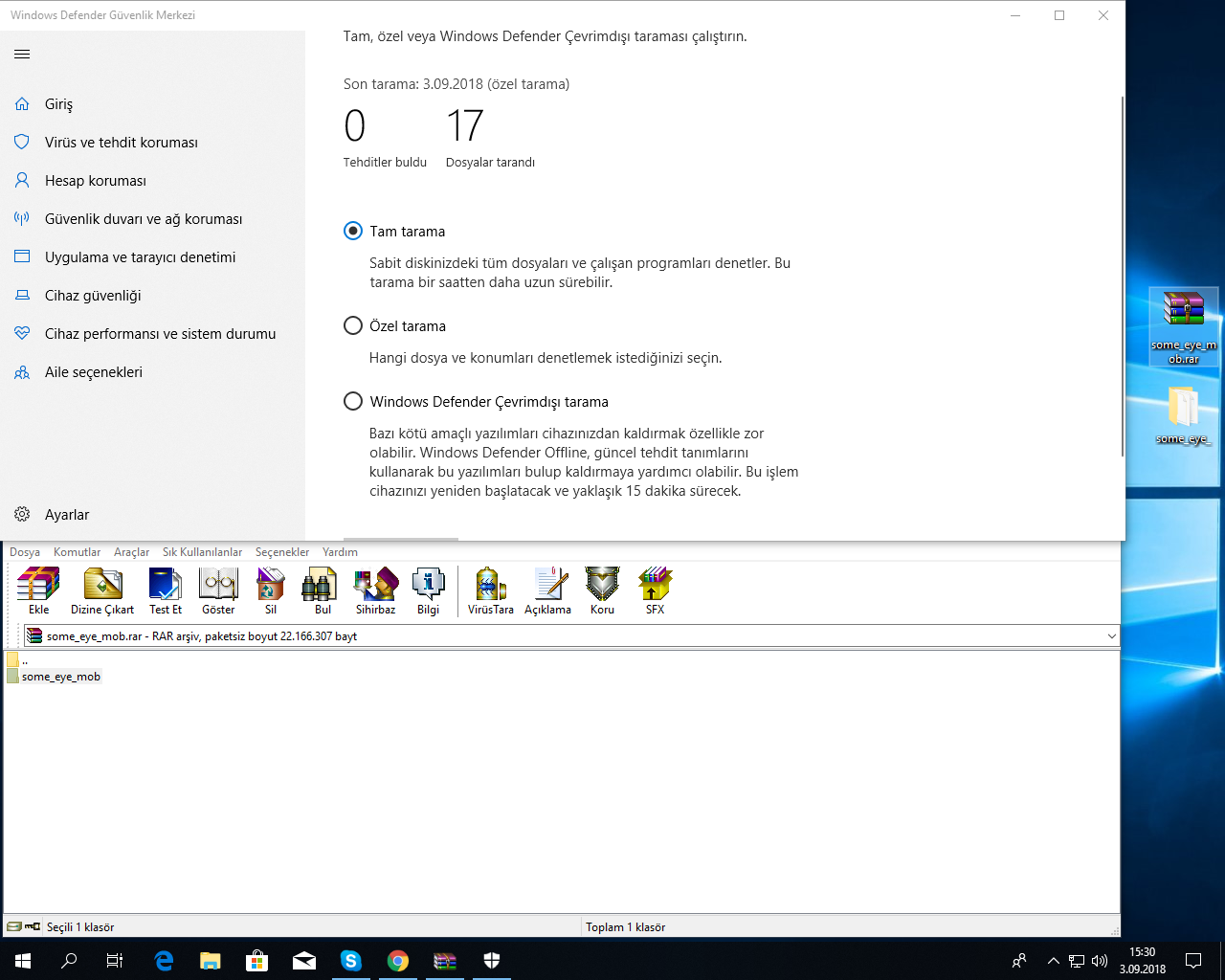
VirusTotaL KanıT:
Yeni Mob Alıntısı Nedir? Metin2'de TRuva2 ile Oluşturulmuş Canavarlar
Metin2 dünyasında sürekli olarak gelişmeler yaşanmaktadır. Özellikle geliştirici oyuncular ve sunucu sahipleri için en önemli konulardan birisi canavar modelleri yani mob alıntılarıdır. Bu alıntılar sayesinde oyun içeriği zenginleşir, daha farklı deneyimler sunulur. Bu yazıda özellikle TRuva2 adlı sistemle yapılmış olan yeni mob alıntılarına odaklanacağız. Metin2 lobby kullanıcıları için hazırlanan bu içerik, hem teknik hem de estetik açıdan dikkat çeken modeller hakkında bilgi sunar.
TRuva2 Sistemi Nedir?
TRuva2, Metin2 oyununda özel modellerin ve efektlerin entegre edilmesini sağlayan gelişmiş bir sistemdir. Özellikle model edit, gr2 formatı, 3ds Max ve Blender gibi programlarla çalışan geliştiriciler için büyük kolaylıklar sağlar. Bu sistem sayesinde mevcut mob modelleri değiştirilebilir, tamamen yeni canavarlar yaratılabilir. Granny3D ve GR2 formatları bu süreçte kilit rol oynar.
Neden Yeni Mob Alıntısı Yapılmalı?
Sunucuların hayatta kalabilmesi için farklılaştırıcı unsurlara ihtiyaç vardır. Mevcut mob listesi ile oynamak veya yeni modeller eklemek, oyuncuların dikkatini çekecek ve oyun içi tekrarı azaltacaktır. Özellikle Metin2 3D modelleme bilgisine sahip bireyler için bu bir fırsat alanı haline gelmektedir. Yeni mob alıntısı, hem görsel açıdan hem de mekanik olarak sunuculara yenilik katacaktır.
TRuva2 ile Yeni Mob Alıntısı Nasıl Yapılır?
TRuva2 sistemine uyumlu bir mob alıntısı yapabilmek için bazı temel adımları takip etmelisiniz:
- Model oluşturma: Blender veya 3ds Max kullanarak yeni bir mob modeli oluşturun.
- UV haritalama: Modelin dokularının doğru yerleşmesi için UV haritası oluşturun.
- Doku ve skin: Modelinize özel dokular ve renkler tanımlayın.
- Gr2 formatına dönüştürme: Modeli GR2 formatına çevirerek Metin2 sistemine uygun hale getirin.
- TRuva2 sistemine entegrasyon: Modeli sunucunuza entegre edin ve test edin.
Metin2 Mob Alıntılarında Dikkat Edilmesi Gerekenler
Mob alıntısı sırasında dikkat edilmesi gereken bazı önemli detaylar vardır:
- Boyut uyumu: Mob boyutları oyun içi sistemle uyumlu olmalıdır.
- Animasyon uyumu: Hareketlerin doğal ve akıcı olması gerekir.
- Performans: Modelin fazla detaylı olması sunucuda performans sorunlarına neden olabilir.
Metin2 Lobby'de TRuva2 ile Oluşturulan Modeller
Metin2 Lobby platformu, TRuva2 sistemine uyumlu özel mob alıntıları paylaşan geliştiriciler için ideal bir ortam sunmaktadır. Burada yayınlanan modeller, hem teknik hem de estetik açıdan kaliteli olup, doğrudan sunucuya entegre edilebilir. Eğer Metin2 sunucusu yönetiyorsanız, bu alıntılarla oyununuzu farklılaştırmak için harika bir başlangıç yapabilirsiniz.
Sonuç
Metin2’de yeni mob alıntısı yapmak, oyununuzu özelleştirmenin ve oyuncular için daha keyifli bir deneyim yaratmanın etkili yollarından biridir. TRuva2 sistemi ile bu işlem daha kolay hale gelmiş, ancak hâlâ dikkat ve teknik bilgi gerektirmektedir. Metin2 3D modelleme bilgisi olanlar için bu, hem sanatsal hem de teknik bir alan sunar.
What is a New Mob Import? Monsters Created with TRuva2 in Metin2
Development continues constantly in the world of Metin2. One of the most important topics for developer players and server owners are monster models, i.e., mob imports. These imports enrich game content and offer more diverse experiences. In this article, we will focus on new mob imports created specifically with the TRuva2 system. Prepared for Metin2 lobby users, this content provides information about visually and technically impressive models.
What is the TRuva2 System?
TRuva2 is an advanced system that enables the integration of special models and effects into the Metin2 game. It offers significant conveniences especially for developers working with programs like model editing, GR2 format, 3ds Max, and Blender. With this system, existing mob models can be changed or entirely new monsters can be created. Granny3D and GR2 formats play a key role during this process.
Why Should You Import New Mobs?
Servers need differentiating elements to survive. Experimenting with the current mob list or adding new models can capture player attention and reduce repetitive gameplay. For individuals with Metin2 3D modeling knowledge, this becomes an area of opportunity. New mob imports add novelty both visually and mechanically to servers.
How to Import New Mobs with TRuva2?
To create a TRuva2-compatible mob import, you should follow these basic steps:
- Model creation: Create a new mob model using Blender or 3ds Max.
- UV mapping: Create UV maps to ensure textures are properly placed on the model.
- Texture and skin: Define unique textures and colors for your model.
- Convert to GR2 format: Convert the model to GR2 format to make it compatible with Metin2 systems.
- Integration with TRuva2 system: Integrate the model into your server and test it.
Things to Consider When Importing Mobs in Metin2
There are several important details to consider when importing mobs:
- Size compatibility: Mob sizes must be compatible with the in-game system.
- Animation compatibility: Movements should appear natural and fluid.
- Performance: Excessive detail in a model may cause performance issues on the server.
Models Created with TRuva2 on Metin2 Lobby
The Metin2 Lobby platform provides an ideal environment for developers sharing TRuva2-compatible custom mob imports. The models published here are of high quality both technically and aesthetically and can be directly integrated into your server. If you manage a Metin2 server, these imports can serve as an excellent starting point to differentiate your game.
Conclusion
Importing new mobs in Metin2 is one of the effective ways to customize your game and create a more enjoyable experience for players. While the TRuva2 system has made this process easier, it still requires attention and technical knowledge. For those familiar with Metin2 3D modeling, this field offers both artistic and technical opportunities.
